
Privacy
The Privacy tab controls what optional data Oxygen collects and which optional Soflyy
pages and integrations appear in your WordPress admin. In wp-admin, go to
Oxygen → Settings → Privacy. Everything here is opt-in or opt-out with a checkbox —
change what you want and click Save Changes.
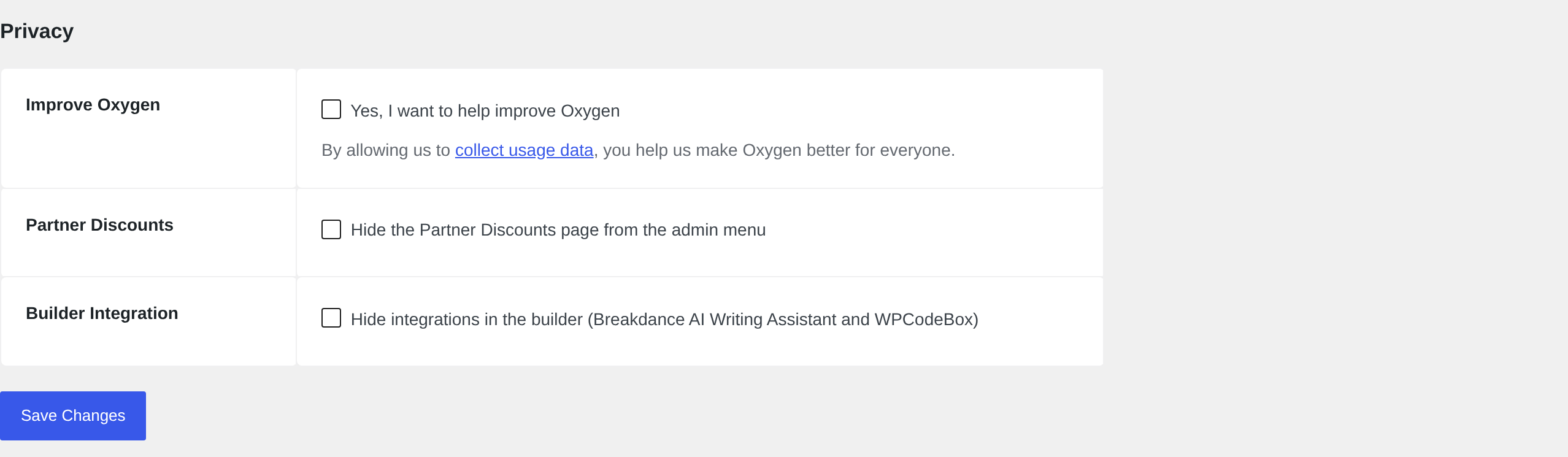
Improve Oxygen
Checking Yes, I want to help improve Oxygen opts your site in to sending usage data
that helps Soflyy improve the product. No usage data is collected unless you opt in —
here, or when the setup wizard asked you the same question. This checkbox always shows
the current answer, so this is the place to change your mind.
Partner Discounts
Oxygen adds a Partner Discounts page to the Oxygen admin menu with offers from
partner companies. If you'd rather not see it — for example on client sites — check
Hide the Partner Discounts page from the admin menu and it disappears for all users.
Builder Integration
Hides third-party integrations inside the builder — the Breakdance AI Writing Assistant
and WPCodeBox. Check this if you don't use those products and don't want their entry
points in the editor UI.