
Connect Your Agent
Any agent can connect — Claude, Codex, Gemini, Cursor, and others — via Agent Connector. You can then control Oxygen and WordPress by just asking your agent.
1. Install Agent Connector
In wp-admin, go to Oxygen → Settings → Agents & MCP and click Install Agent
Connector. One click downloads and activates it.
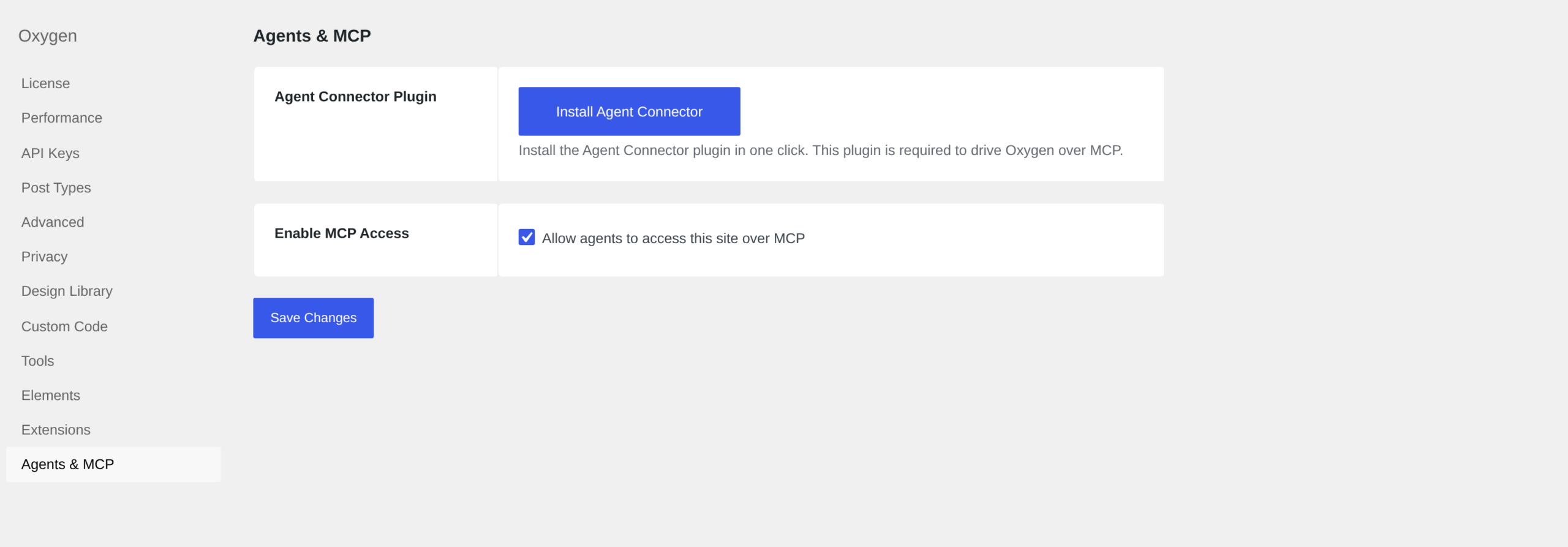
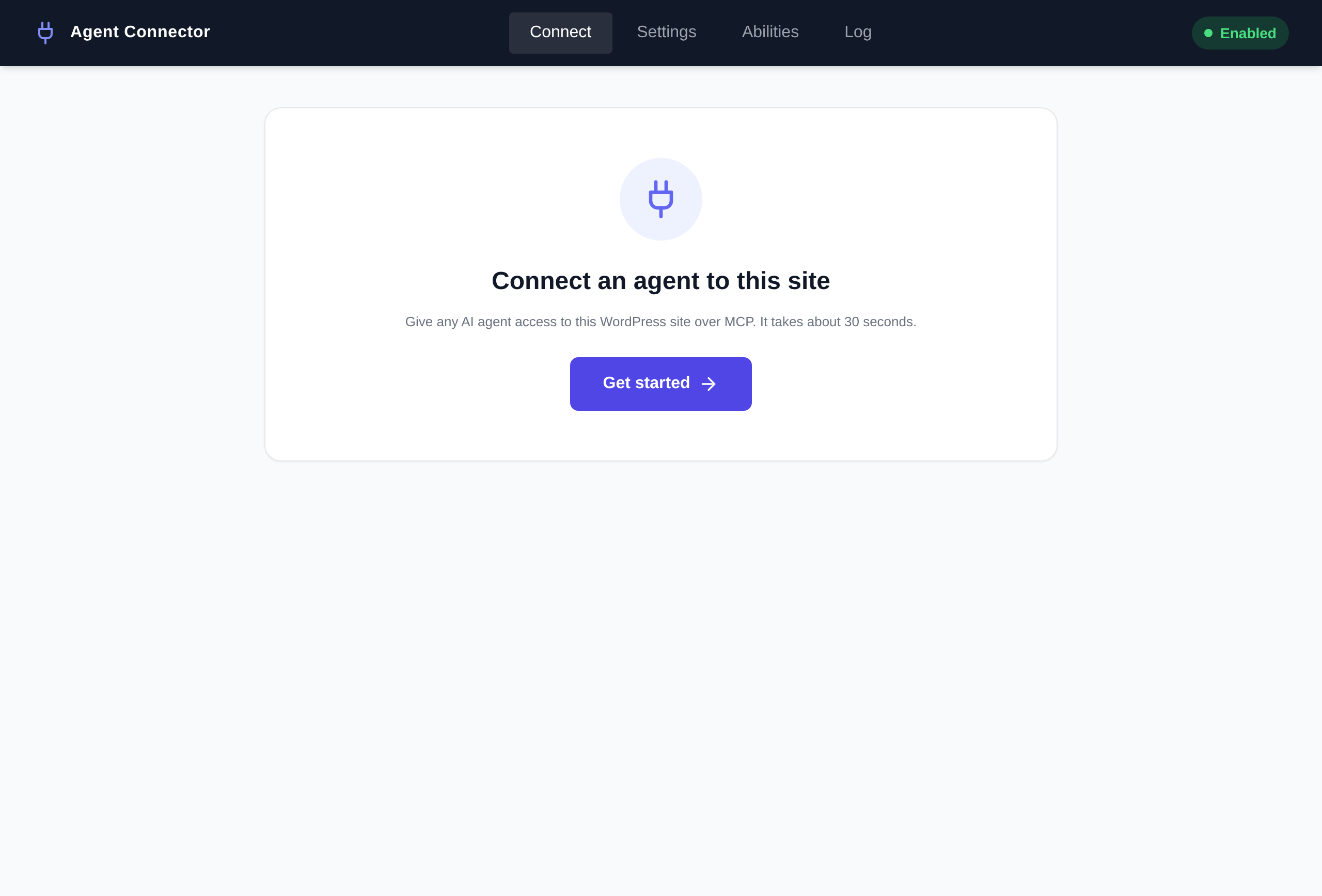
Then click Connect on the same row. You land on Agent Connector's Connect tab —
click Get started.
2. Pick your agent
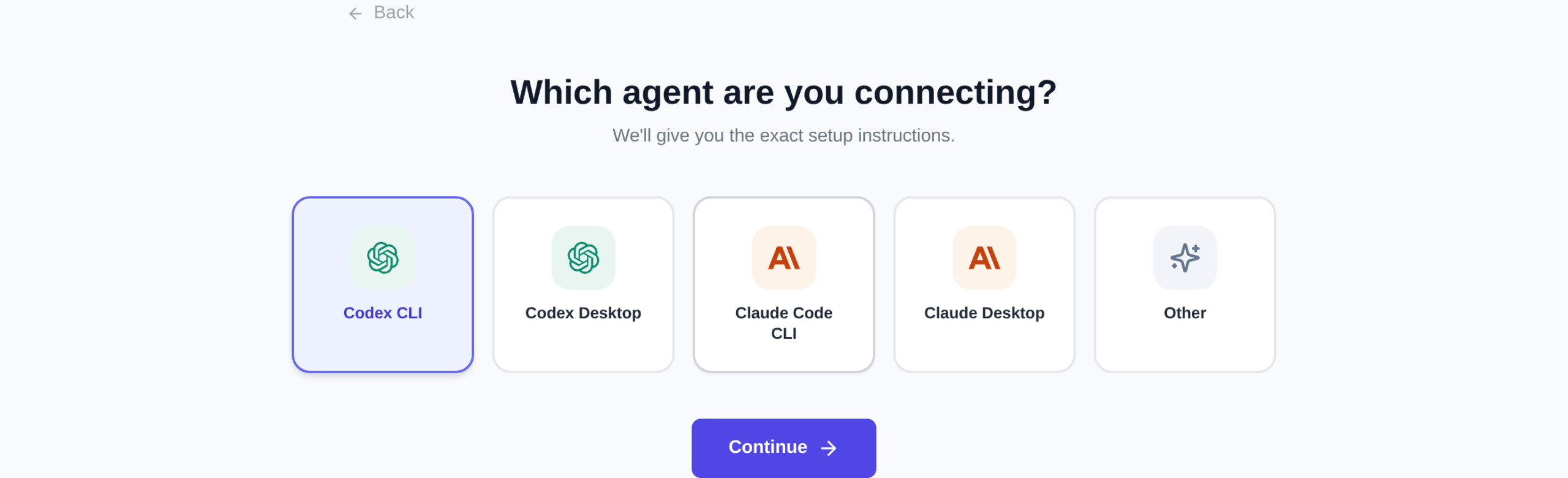
Choose the agent you use and click Continue to get setup instructions for that agent. Using something that isn't listed? Pick
Other for universal instructions.
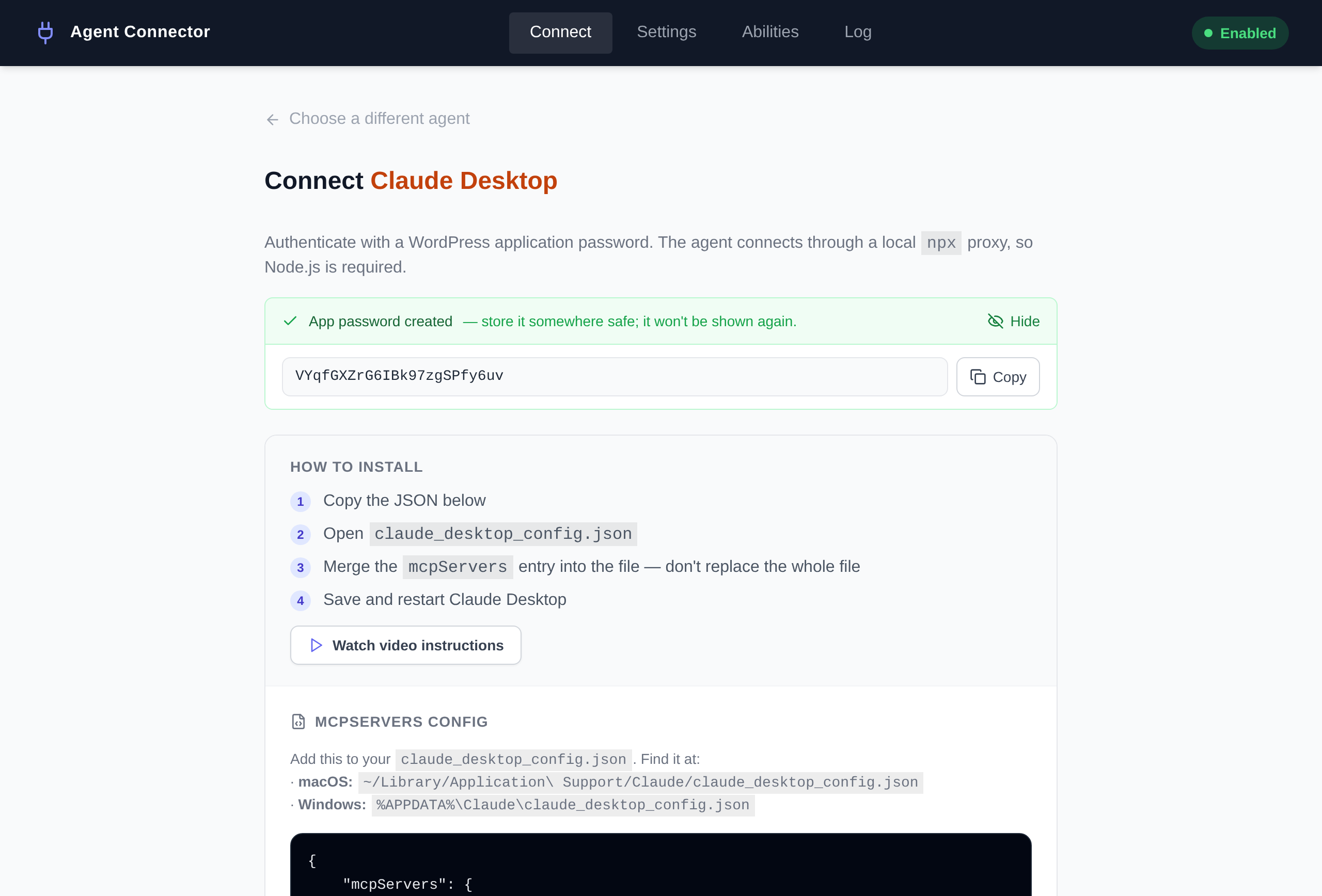
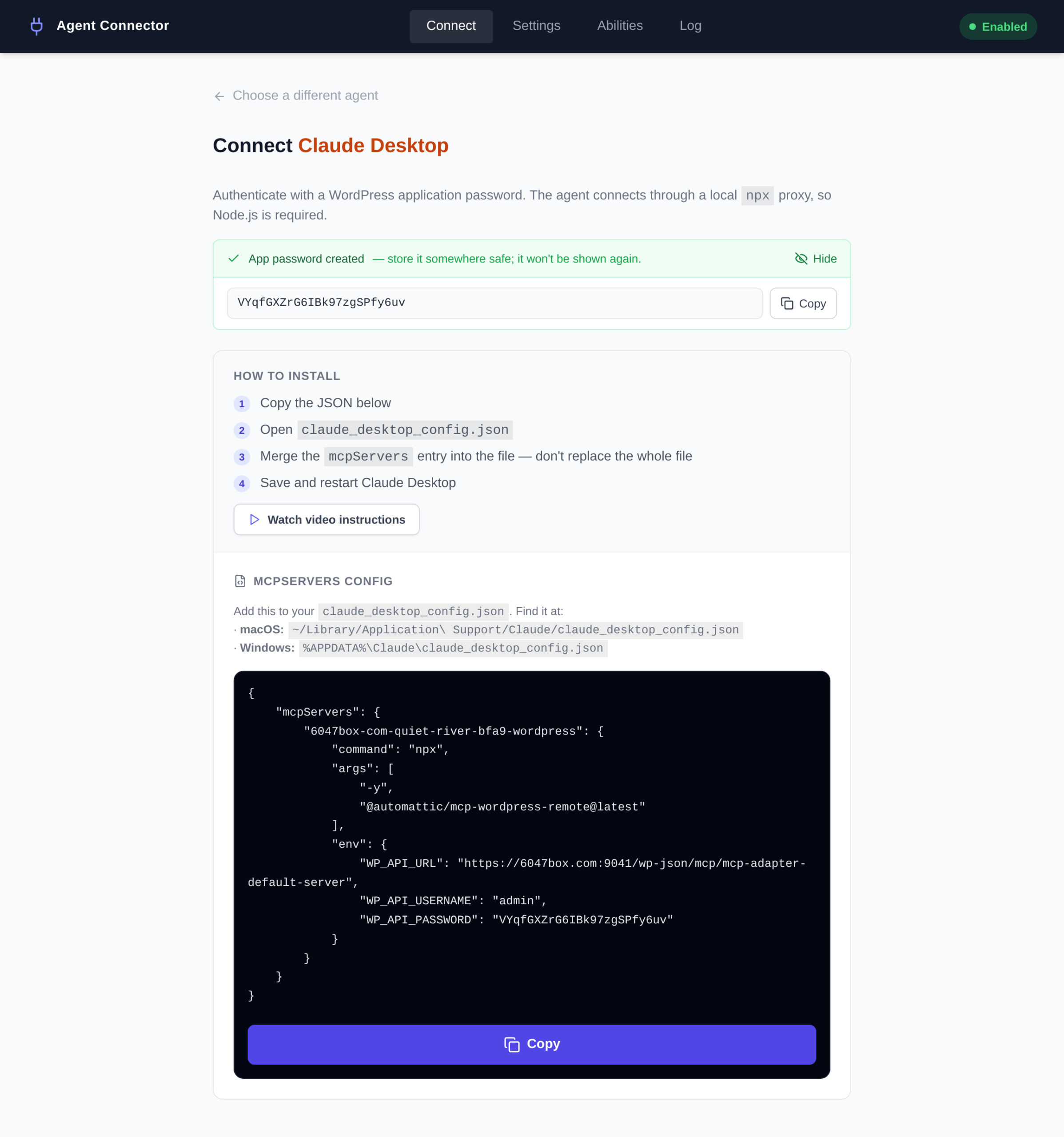
3. Follow the instructions to connect your agent
The wizard generates setup instructions for your agent. Follow them to connect your site.
You're connected
Ask your agent to read something off your site:
> List the pages on this site.
> This site has 2 pages: Sample Page (published, /sample-page/) and Privacy Policy (draft). Both are stock WordPress defaults — neither is built with Oxygen yet.
That's it. Your agent can now build in Oxygen —
start your first site.
Troubleshooting
Your agent can't reach the site
Whatever runs your agent has to be able to reach your site's URL. A hosted agent can't see a
local site, and a VPN, an IP allowlist, or a staging password will stop it too.
Your agent connected but has no Oxygen tools
Check that Allow agents to access this site over MCP is ticked under
Oxygen → Settings → Agents & MCP.
You're on multisite
Executing anything requires a network super admin. A plain site administrator will have every action refused.