
The 4 Best Plugins to Import WooCommerce Reviews
Importing WooCommerce reviews is a task that many people assume is easy. After all, a review is little more than a rating and/or comment by a customer about a product, right? Actually, there’s a bit more to it than that.
For example, you may want to filter the reviews that you’re importing to your site.
Some of the reviews you’re importing may be replies to other reviews, in which case you’ll need to record the entire chain of review IDs.
In addition to the review author’s name and email address, you may want to import the author’s URL and IP, as well as the name of the review agent.
If the review was recorded through an online platform or a 3rd-party plugin, some of the review information may have to be stored in custom fields.
You may need to import reviews from sources with data layout or format requirements different from WooCommerce, meaning you’ll have to manipulate the data in some way during the import.
Finally, if you’re importing your reviews from external sources on a recurring basis, you may want to schedule your imports to run automatically.
In other words, don’t take this task too lightly. When searching for a plugin to import WooCommerce reviews, you should assess its capabilities against all of the above requirements.
That’s exactly what we’re going to do with the four plugins that made our list.
1. WP All Import

WP All Import is at the top of this list because it fulfills all of the requirements we just described:
- It lets you create any kind of import filter you want, no matter how complex.
- You can import parent review IDs out of the box with no additional setup.
- It has prebuilt options to handle additional author info.
- It automatically detects most custom fields and allows you to import data into them much the same way you do with standard fields.
- You can manipulate your review data during the import in many ways, including the use of standard PHP functions in combination with your incoming data elements, as well as an embedded PHP function editor for building custom functions.
- It offers sophisticated scheduling capabilities built right into the interface.
Best of all, you can do all of this using a slick drag-and-drop interface:
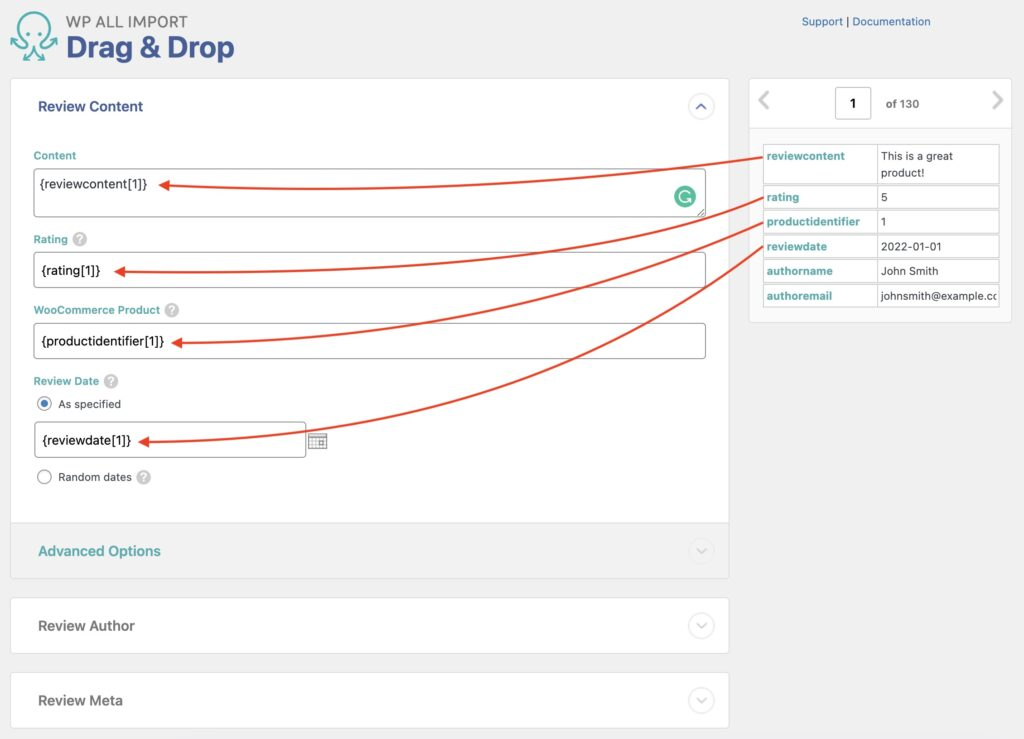
Perhaps WP All Import’s biggest advantage over its competitors is that you can use it to import every type of WooCommerce and WordPress data, meaning you’ll never have to buy another import plugin regardless of what you’re trying to import.
Finally, if you pair this plugin with its sister product, WP All Export, you can easily export, bulk edit, and migrate your WooCommerce reviews, too.
For more information, see How to Import Reviews to WooCommerce.
2. Product Import Export for WooCommerce
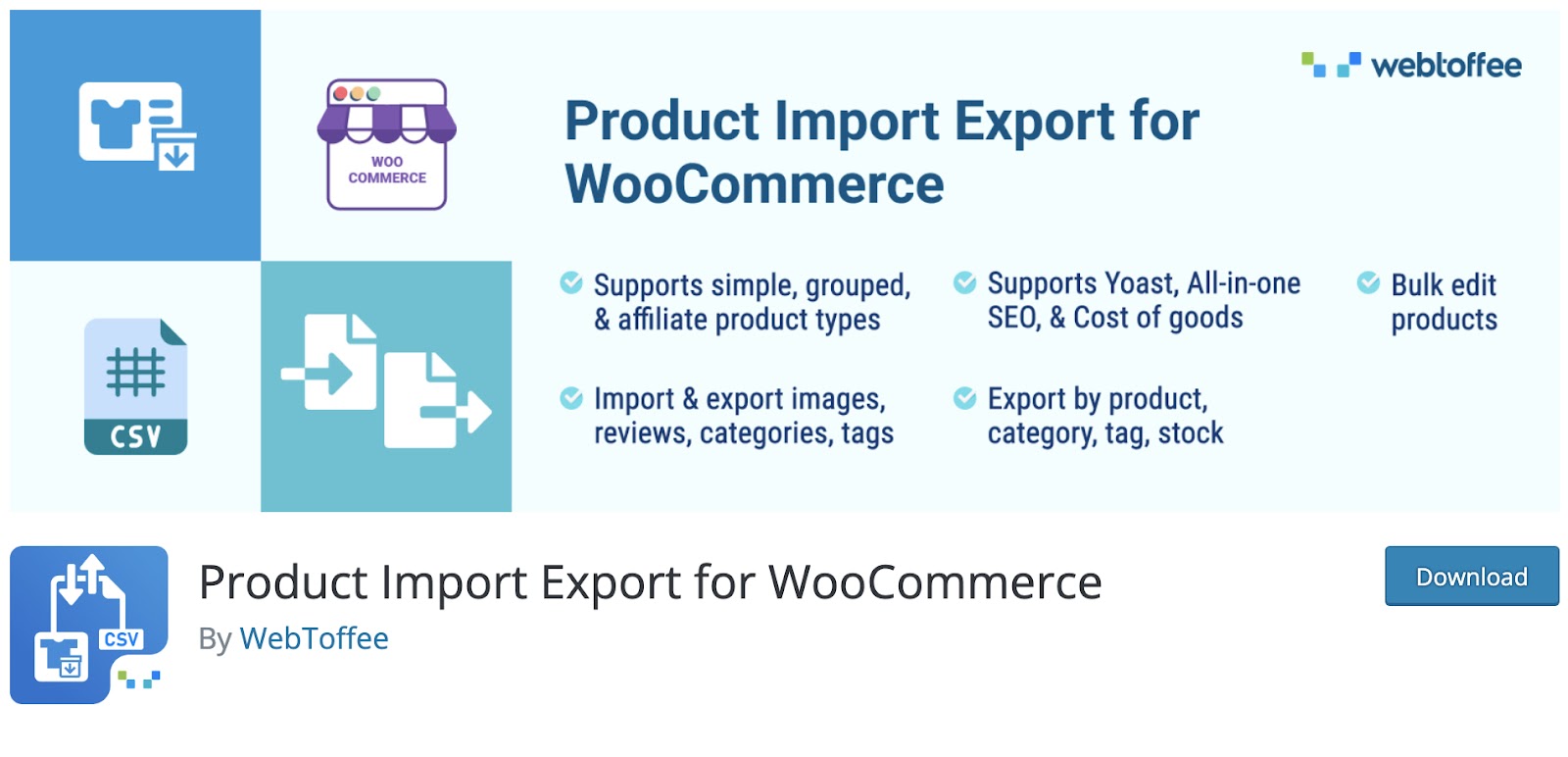
This plugin addresses some of our requirements:
- You can filter your WooCommerce reviews.
- It will handle review replies and let you link them to their parent reviews.
- It can import full author info.
- It offers good scheduling capabilities.
- In addition to reviews, you can use this plugin to import and export all WooCommerce data types.
However, it lacks the following:
- Beyond the ability to perform numeric calculations on incoming data elements, this plugin lacks the ability to modify data in any meaningful way during the import. This means that you’ll likely have to manually edit the import file to ensure it meets the WooCommerce data requirements before you can import it. If this is the case, it won’t be possible to fully automate such imports.
- This plugin is also not set up to handle custom fields as efficiently as WP All Import. For example, it’s not compatible with Advanced Custom Fields (ACF), Gravity Forms, Toolset Types, etc., so if you’ve used those plugins to modify your site, you won’t be able to import data into their fields without tinkering with your site’s PHP code first.
- It cannot import data into most WordPress post types.
These limitations are why we’ve ranked this plugin behind WP All Import.
To learn more, see Product Import Export for WooCommerce.
3. Ultimate CSV Importer by Smackcoders
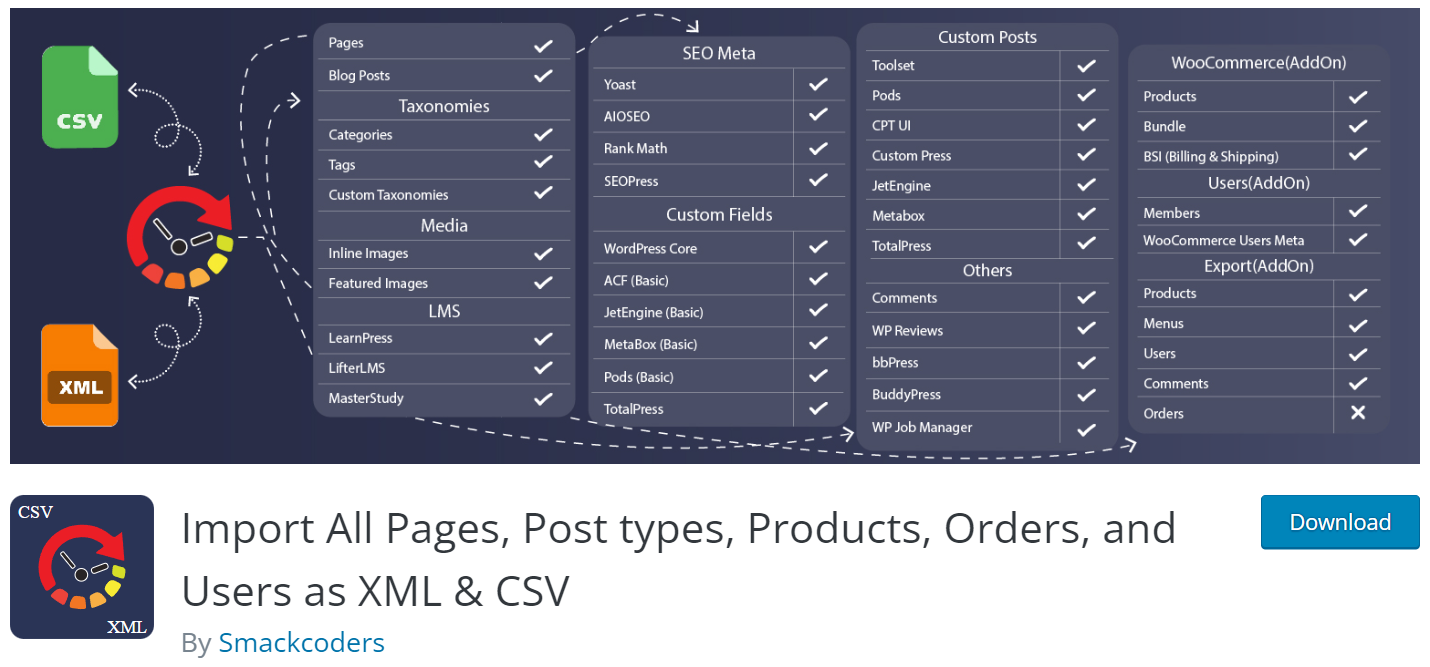
Like Webtoffee’s plugin, this plugin meets only some of our requirements:
- It can handle review replies and lets you link them to their parent reviews.
- It lets you import full author info.
- You can schedule your imports.
- It does a better job of handling custom fields, though not as thoroughly as WP All Import.
- In addition to reviews, this plugin will also import most WooCommerce and WordPress post types.
The limitations of this plugin are:
- It has no filter tool. This means that if you receive an import file with reviews that you don’t want to import, you’ll have to edit it manually prior to running your import.
- It has limited data modification capabilities. You can merge incoming data elements into a single target field and apply formulas to numeric fields, but you can’t apply standard PHP functions to your data or create custom PHP functions — at least not through the interface.
These features are similar to those of Webtoffee’s plugin, but the lack of a filter bumps this one down one slot on our list.
To learn more, see Import All Pages, Post types, Products, Orders, and Users as XML & CSV.
4. Woo Import Export by Vjinfotech

This plugin meets many of our requirements:
- It lets you create sophisticated import filters.
- It can handle review replies and lets you link them to parent reviews.
- You can import full author info.
- It lets you import into custom fields.
- You can’t quite manipulate incoming data as easily as you can with WP All Import, but you can get close by modifying the function.php file and using shortcodes.
- It offers solid scheduling capabilities built right into the interface.
- It will import all WooCommerce post types.
The plugin’s limitations are:
- It won’t import most WordPress post types.
If you compare the features of this plugin with the two preceding plugins, you should be saying, “Hey, wait a minute. This looks like it should be #2 on this list.”
This is true, but the documentation for this plugin is poor, the update cycle on the free version of the plugin changed dramatically between October 2022 and August 2023 (they went almost a year without updates), and recent reviews contain a lot of complaints about bugs.
In other words, we’re not as confident in the software quality and ownership commitment to this plugin as we are with the three other plugins on this list.
For more information, see Woo Import Export.
Import WooCommerce Reviews Wrap-Up
As is often the case when it comes to our best-of lists for importing or exporting WooCommerce or WordPress data, we believe that WP All Import provides the best value. It’s the one plugin on this list that you can buy and never have to worry about whether you’ll run into a post type or a problem that it can’t handle.
Product Import Export for WooCommerce is not a bad second choice if you’re only concerned about importing WooCommerce data, you’re not worried about custom fields, and you don’t have to manipulate your review data during the import.
After that, you’re either losing significant functionality (such as the lack of filter capability with the Smackcoders plugin) or risking problems with code quality and/or management’s commitment to the plugin.
We hope this information helps you.
Import WooCommerce Reviews — Related Info
How to Export WooCommerce Reviews
The 5 Best WooCommerce Product Import Plugins
The 5 Best WooCommerce Product Export Plugins